
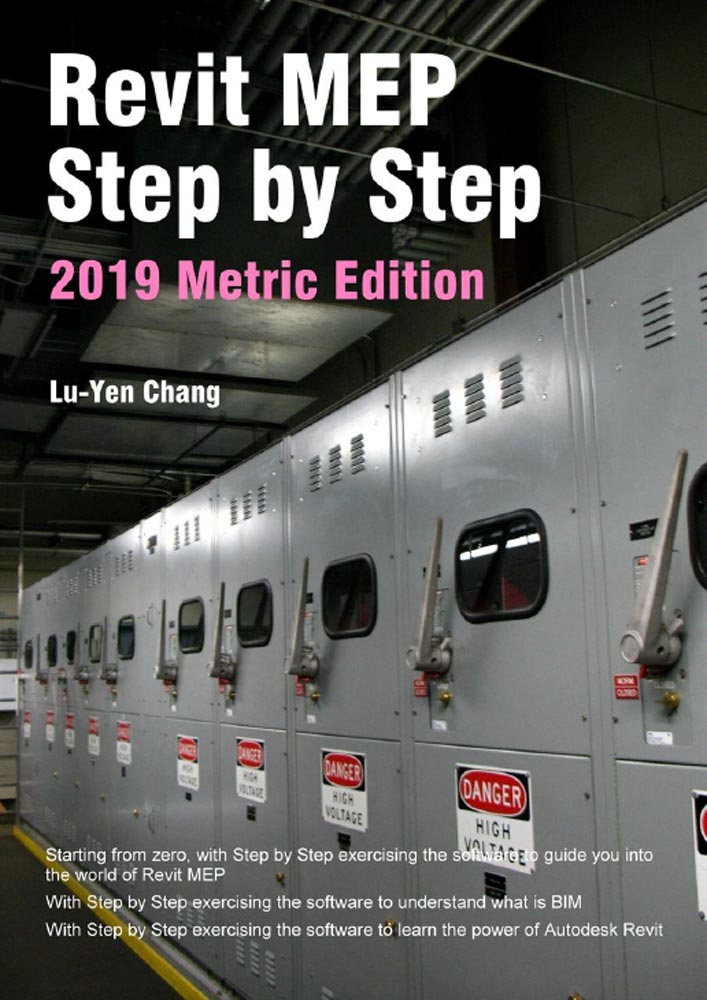

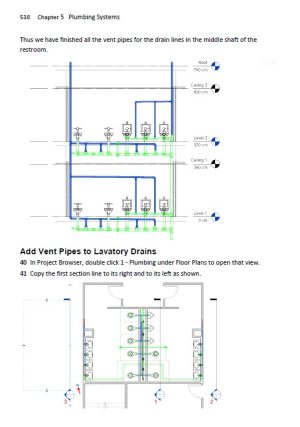

Giáo trình Revit MEP – Revit MEP Step by Step
Contents
Foreword
What’s New?
Revit Software
Revit Working Environment
Exercise Files
Chapter 1 Architectural Modeling
1 – 1 Start a new Architectural Project
1 – 2 Create First Floor Slab
1 – 3 Setup Levels
1 – 4 Draw Walls
1 – 5 Draw Restroom Partitions
1 – 6 Add Doors
1 – 7 Add Windows
1 – 8 Add Stairs
1 – 9 Draw Second Floor Exterior Walls and Slab
1 – 10 Finish Second Floor Interior Walls, Doors and Windows
1 – 11 Add Ceilings
1 – 12 Add Roof
1 – 13 Add Room Information
Chapter 2 Mechanical Air Systems
2 – 1 Prepare Mechanical System Modeling
2 – 2 Create Spaces
2 – 3 Create Zones
2 – 4 Zone Color Fill Legend
2 – 5 Energy Analysis
2 – 6 Place Air Terminals
2 – 7 Create Secondary Supply Air Systems
2 – 8 Create Primary Supply Air Systems
2 – 9 Size Primary Supply Air Ducts
2 – 10 Add AC Unit and Exhaust Fans
2 – 11 Second Floor Air Systems
Chapter 3 Hydronic Piping Systems
3 – 1 Prepare Hydronic Piping Modeling
3 – 2 Place Radiators and Boilers
3 – 3 Create First Floor Pipe Runs
3 – 4 Connect First Floor Piping to Boiler
3 – 5 Create Second Floor Pipe Runs
3 – 6 Connect Second Floor Piping to Boiler
3 – 7 Add Circulator Pumps
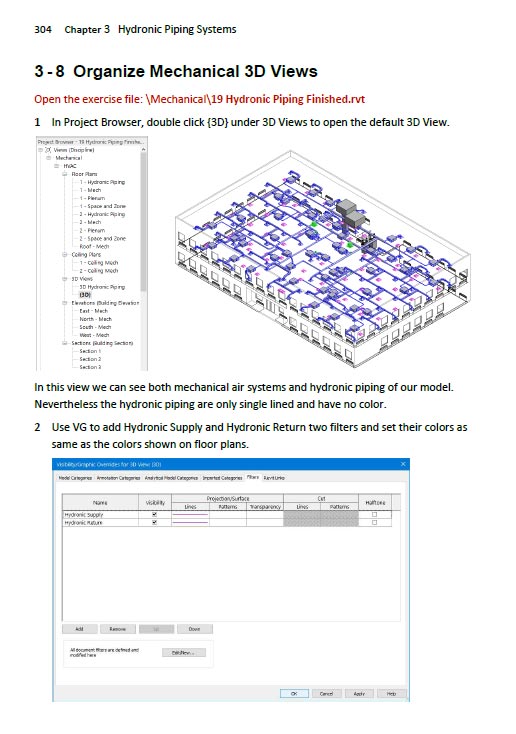
3 – 8 Organize Mechanical 3D Views
Chapter 4 Electrical Systems
4 – 1 Prepare Electrical System Modeling
4 – 2 Define Required Lighting Levels
4 – 3 Create Space Lighting Analysis Schedule
4 – 4 Add Lighting Fixtures
4 – 5 Adjust Stairwell Spaces
4 – 6 Add Switches
4 – 7 Place Receptacles
4 – 8 Create Electrical Usage Reports
4 – 9 Add Electrical Equipment
4 – 10 Create Power Circuitry
4 – 11 Create Lighting Circuitry
4 – 12 Circuit Mechanical Equipment
4 – 13 Create Panel Schedules
4 – 14 Define Circuit Loads
4 – 15 Draw Conduits
4 – 16 Create Switch Systems
Chapter 5 Plumbing Systems
5 – 1 Prepare Plumbing Modeling
5 – 2 Add Plumbing Fixtures
5 – 3 Create Toilet and Floor Drain Lines
5 – 4 Connect Urinal Drain Lines
5 – 5 Connect Lavatory Drain Lines
5 – 6 Create Flushing Water Piping
5 – 7 Create Lavatory Supply Water Piping
5 – 8 Copy to and Connect Second Floor Plumbing Systems
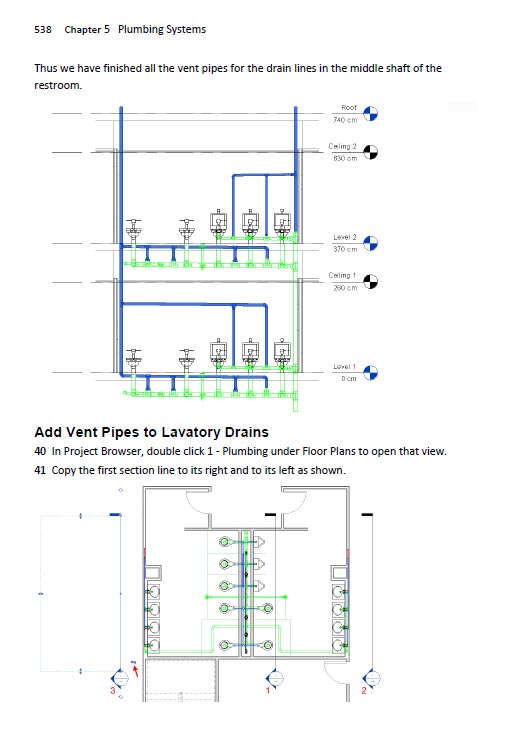
5 – 9 Add Sanitary Vent Pipes
5 – 10 Add Water Heater
Chapter 6 Fire Protection Systems
6 – 1 Prepare Fire Protection System Modeling
6 – 2 Create Sprinkler Design Schedule
6 – 3 Place Sprinklers
6 – 4 Connect Sprinklers
6 – 5 Modify Pipe Diameters
6 – 6 Tag Pipe Diameters
6 – 7 Add Fire Cabinet
6 – 8 Connect First and Second Floor Fire Protection Systems
Chapter 7 Interference Check
7 – 1 Interference Check within Project
7 – 2 Interference Check between Projects
Appendix
Offset/Elevation Chart
About the Author
Exercise File Hyperlink
| Brand | ebookxaydung Tiếng Việt |
|---|
Hãy là người đầu tiên nhận xét “Giáo trình Revit MEP – Revit MEP Step by Step (PME0033)”
Sản phẩm tương tự

Tài liệu phần mềm tiếng Anh
ADAPT – Structural calculations for post-tensioned flat slab with drop caps (PME0012)

Tài liệu phần mềm tiếng Anh

Tài liệu phần mềm tiếng Anh

Tài liệu phần mềm tiếng Anh
Rendering in SketchUp- From Modeling to Presentation (PME0020)

Tài liệu phần mềm tiếng Anh

Tài liệu phần mềm tiếng Anh
Revit Architecture 2022 for Designers – Douglas R. Seidler (PME0027)

Tài liệu phần mềm tiếng Anh
Analysis of Machine Elements Using SOLIDWORKS Simulation 2017 (PME0028)

Tài liệu phần mềm tiếng Anh
Nonlinear Modelling and Analysis of RC Buildings using ETABS (PME0021)

Đánh giá
Chưa có đánh giá nào.